Table of Contents
- Do Fitness Trackers Overestimate Calories? The Truth Behind the Numbers
- Introduction: Why Your Tracker’s Calorie Count Feels Suspicious
- How Fitness Trackers Estimate Calories
- The Science of Calorie Burn
- Heart Rate, Movement, and Personal Data
- The Role of Algorithms
- Machine Learning vs. Fixed Equations
- Why Fitness Trackers Often Overestimate Calories
- The Problem With Generic Formulas
- Your Wrist Isn’t a Laboratory
- The “Steps Equal Calories” Trap
- Workout Modes and Inflated Burn
- When Fitness Trackers Are More Accurate
- Steady-State Cardio
- Walking and Daily Movement
- Heart Rate Zones and Chest Straps
- When They Get It Wrong
- Strength Training and Intervals
- Yoga, Pilates, and Low-Impact Workouts
- Everyday Activities and Housework
- Why Vacuuming Confuses Your Watch
- The Real-World Impact of Overestimated Calories
- Weight Loss Plateaus
- Overeating “Reward” Calories
- Frustration and Fitness Burnout
- How to Use Fitness Tracker Calories Wisely
- Treat the Number as a Range
- Pair It With Food Tracking
- Use Trends, Not Daily Totals
- Focus on Non-Scale Victories
- How to Test Your Tracker’s Accuracy
- The Two-Week Weight Trend Test
- Compare With a Chest Strap or Lab Test
- Check Your Basal Metabolic Rate
- Should You Trust Calories Burned on Apple Watch, Fitbit, Garmin, or Whoop?
- Apple Watch
- Fitbit
- Garmin
- Whoop
- What Fitness Trackers Are Actually Good For
- Motivation and Accountability
- Sleep and Recovery Tracking
- Activity Trends
- The Bottom Line: Are Fitness Trackers Worth It?
- Conclusion: Use the Data, Don’t Worship It
- FAQs
- Do fitness trackers overestimate calories by a lot?
- Which fitness tracker is most accurate for calories?
- Can I eat back calories burned from my fitness tracker?
- Why does my fitness tracker say I burned 1,000 calories in a workout?
- How can I estimate calories burned without a tracker?
Do Fitness Trackers Overestimate Calories? The Truth Behind the Numbers
Introduction: Why Your Tracker’s Calorie Count Feels Suspicious
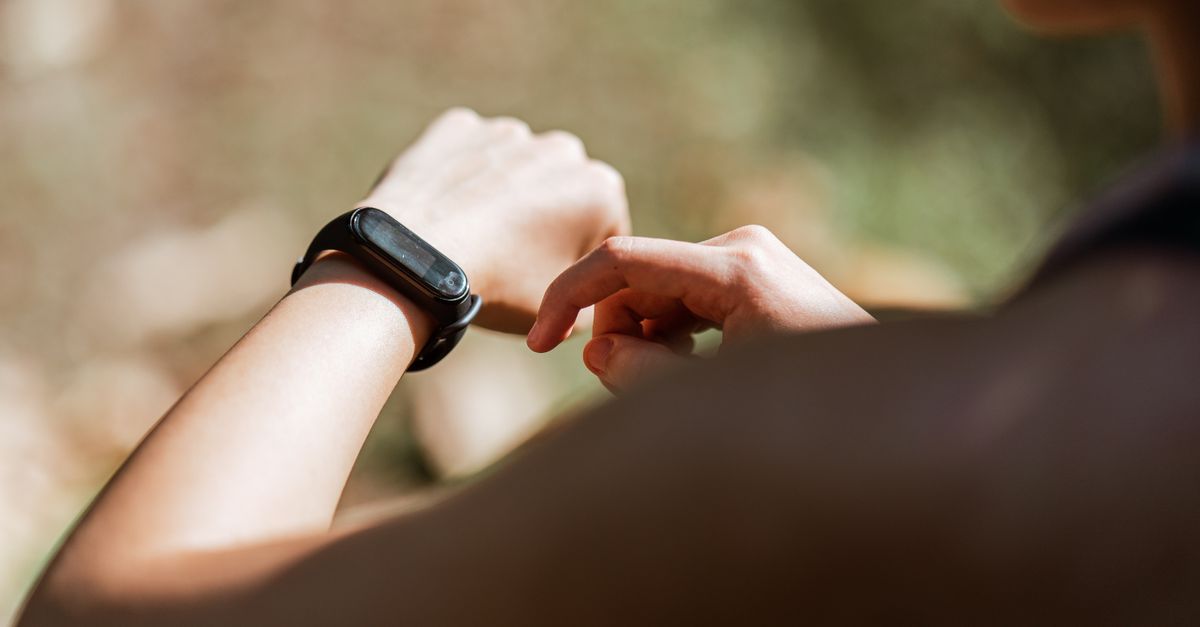
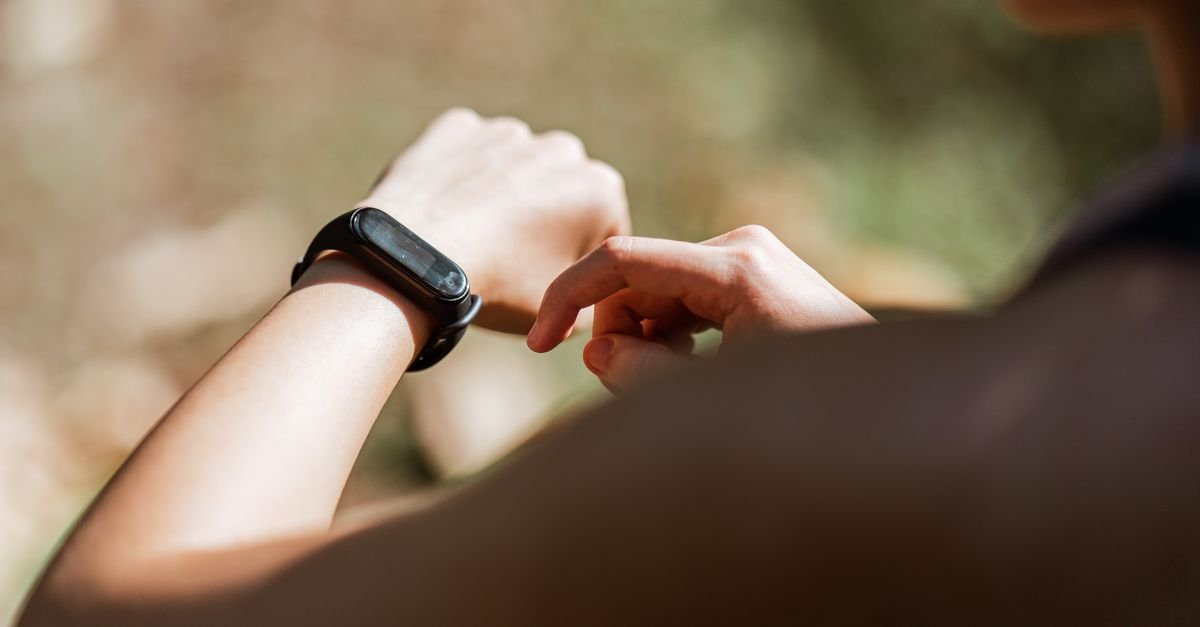
You finish a sweaty workout, glance at your wrist, and see a number that makes you feel like a superhero. Four hundred calories? Six hundred? Maybe even a thousand? It’s tempting to believe every digit, especially when you’re trying to lose weight or improve your fitness. But then you wonder: Do fitness trackers overestimate calories? You’re not alone. It’s one of the most common questions in fitness circles, and the answer isn’t a simple yes or no.
Think of your fitness tracker like a weather app. It can tell you if rain is likely, but it can’t tell you exactly how many raindrops will hit your umbrella. In the same way, a tracker gives you a useful estimate—not a precise lab measurement. Sometimes it’s close. Sometimes it’s way off. And yes, more often than not, it leans generous.
Let’s dig into why that happens, when you can trust the number, and how to use your tracker without letting it sabotage your goals.
How Fitness Trackers Estimate Calories
Before you blame your device, it helps to understand what’s going on under the hood. Your tracker isn’t measuring fat burning directly. It’s collecting signals and running them through math.
The Science of Calorie Burn
Calories burned come from several places. Your body uses energy just to stay alive—that’s your basal metabolic rate, or BMR. Then you add the energy used for digestion, daily movement, and planned exercise. A fitness tracker mainly tries to estimate the movement and exercise portions, but it also guesses your BMR from your age, height, weight, and sex.
The gold standard for measuring calorie burn is indirect calorimetry, which analyzes your breath in a lab. You won’t find that in a wristband. Instead, your tracker relies on accelerometers, gyroscopes, heart rate sensors, and algorithms.
Heart Rate, Movement, and Personal Data
Your tracker watches how much you move and how fast your heart beats. If your heart rate is up and your arm is swinging, it assumes you’re working hard. That’s a reasonable guess. But heart rate can rise for many reasons—stress, caffeine, heat, or even watching a scary movie. Movement can be misleading too. Chopping vegetables looks a lot like waving your arms.
The device also uses your personal stats. If you told it you weigh 150 pounds, it assumes a certain energy cost for every step. If that weight is outdated, your calorie estimates will drift.
The Role of Algorithms
Algorithms are the recipe your tracker uses to turn raw data into a calorie number. Some recipes are simple. Others are complex. The quality of that recipe matters more than the flashy sensor.
Machine Learning vs. Fixed Equations
Older trackers used fixed equations: one formula for walking, one for running, one for cycling. Newer devices use machine learning, trained on data from real people. That can improve accuracy, but it can also inherit the biases of the training data. If most of the training data came from young, fit adults, your results might be off if you’re older, heavier, or have a different fitness level.
Why Fitness Trackers Often Overestimate Calories
So, do fitness trackers overestimate calories? Often, yes. Here’s why.
The Problem With Generic Formulas
No two bodies are identical. Two people can run the same pace, and one burns 20% more calories than the other. Muscle mass, efficiency, stride length, and metabolism all play a role. Most trackers use broad population averages. That means they’ll be accurate for some people and wildly off for others. When in doubt, the algorithm often rounds up.
Your Wrist Isn’t a Laboratory
A wrist-based heart rate sensor uses light to detect blood flow. It’s convenient, but it’s easily fooled by motion, sweat, tattoos, and poor fit. If your heart rate reads higher than it actually is, your calorie burn estimate climbs with it. A chest strap is far more accurate, but it’s less comfortable and less popular.
The “Steps Equal Calories” Trap
Many trackers convert steps into calories using a simple rule: more steps, more burn. But walking on flat ground is not the same as walking uphill. Holding onto the treadmill is not the same as swinging your arms. Your tracker doesn’t always know the difference. It sees steps and assumes a standard energy cost.
Workout Modes and Inflated Burn
When you select “strength training” or “HIIT,” your tracker often applies a generous multiplier. It assumes you’re moving constantly, but in reality you might be resting between sets. That rest period can be 50% of your workout. The tracker keeps counting, and the calories pile up.
When Fitness Trackers Are More Accurate
Not all activities are created equal. Your tracker does a decent job with some workouts and a terrible job with others.
Steady-State Cardio
Running, cycling, and elliptical training are repetitive and predictable. Your heart rate stays in a steady zone, and your movement pattern is consistent. For these activities, many trackers land within 10% to 15% of lab measurements. That’s not perfect, but it’s usable.
Walking and Daily Movement
Walking is also fairly accurate because the energy cost is well-studied. If you walk 10,000 steps, your tracker can estimate the calories with reasonable confidence. The error grows if you walk on hills, carry weight, or push a stroller.
Heart Rate Zones and Chest Straps
Pair your watch with a chest strap, and accuracy improves. Heart rate zones also help. If you stay in Zone 2 for an hour, the estimate is more reliable than a chaotic interval session. The more stable your effort, the better the math works.
When They Get It Wrong
Here’s where the overestimation really shows up.
Strength Training and Intervals
Lifting weights is stop-and-go. You do a set, rest, do another set, check your phone, rest again. Your heart rate spikes and drops. Your tracker sees the spikes and assumes you’re working hard the entire time. In reality, your average calorie burn is lower. Studies often find that wearables overestimate strength training calories by 20% to 40% or more.
HIIT has the same problem. The “afterburn” effect is real, but it’s smaller than most people think. Your tracker may add a big bonus for post-exercise burn, making the total look impressive.
Yoga, Pilates, and Low-Impact Workouts
These workouts involve slow, controlled movements. Your heart rate might barely rise, but you’re still working. Oddly, some trackers underestimate these sessions. Other times, they overestimate because they see arm movement and assume more intensity. It’s a mixed bag.
Everyday Activities and Housework
Cleaning, cooking, and gardening are real movement, but they’re hard to classify. Your tracker might count them as steps or ignore them entirely. Some devices let you log “housework” as a workout, which can inflate your burn.
Why Vacuuming Confuses Your Watch
Vacuuming involves pushing, pulling, and stepping—all while your arms move. Your watch may think you’re doing a vigorous cardio session. But your actual calorie burn is closer to a brisk walk. This is a classic case of overestimation.
The Real-World Impact of Overestimated Calories
Why does a few hundred extra calories matter? Because small errors add up fast.
Weight Loss Plateaus
If your tracker says you burned 500 calories and you eat 500 extra calories, you might think you’re in a deficit. But if the real burn was 300, you just ate a surplus. Do this a few times a week, and your weight loss stalls. You blame your metabolism, but the tracker is the culprit.
Overeating “Reward” Calories
It’s easy to fall into the “I earned this” trap. A 600-calorie workout becomes a 600-calorie treat. But if the workout was really 350 calories, you’ve just undone your hard work. Food calories are also easier to overestimate in the wrong direction—portion sizes creep up.
Frustration and Fitness Burnout
When the scale doesn’t move despite your tracker showing big burns, you feel defeated. That frustration can lead to giving up. The problem isn’t your effort. It’s the data you’re trusting too much.
How to Use Fitness Tracker Calories Wisely
You don’t have to throw your tracker in the trash. Just use it smarter.
Treat the Number as a Range
Instead of seeing “450 calories,” think “somewhere between 300 and 450.” That mental shift prevents you from eating back every last digit. It also keeps you curious instead of obsessive.
Pair It With Food Tracking
If you want to manage weight, track your food for a week or two. Compare your intake with your weight trend. That real-world data is more reliable than any wrist device. You’ll learn your true maintenance calories, not an algorithm’s guess.
Use Trends, Not Daily Totals
One day’s calorie burn is noisy. A week’s trend is useful. Look at your average steps, workouts, and active minutes. Are you moving more than last month? That matters more than hitting an exact burn number.
Focus on Non-Scale Victories
Can you climb stairs without gasping? Do your jeans fit better? Is your resting heart rate lower? These wins are real. They don’t show up as calories, but they prove your fitness is improving.
How to Test Your Tracker’s Accuracy
Want to know how far off your tracker is? Try these tests.
The Two-Week Weight Trend Test
Track your food intake carefully for two weeks. Also record your weight every morning. If you eat the same number of calories your tracker says you burn, your weight should stay stable. If you gain weight, your tracker is overestimating. Adjust by 10% to 15% and test again.
Compare With a Chest Strap or Lab Test
Borrow a chest strap and compare it to your wrist-based heart rate during a workout. If the numbers are close, your calorie estimate is probably more reliable. For a true gold standard, you can pay for a lab test that measures your breath. It’s overkill for most people, but it’s eye-opening.
Check Your Basal Metabolic Rate
Your tracker includes your BMR in its daily calorie total. If your BMR estimate is wrong, everything else is wrong. Use an online calculator with your current weight and body fat percentage. If your tracker is way off, update your profile.
Should You Trust Calories Burned on Apple Watch, Fitbit, Garmin, or Whoop?
Different brands have different strengths. Here’s a quick breakdown.
Apple Watch
Apple Watch is generally considered one of the more accurate wearables for steady-state cardio and daily movement. Its heart rate sensor is strong, and its algorithms are well-tuned. It still overestimates strength training and interval work.
Fitbit
Fitbit excels at step counting and sleep tracking. Its calorie estimates are decent for walking and running, but it can be generous with workout modes. Many users find it overestimates by 10% to 20% on average.
Garmin
Garmin is popular among runners and cyclists. With a chest strap, it can be very accurate for endurance activities. Without one, wrist-based heart rate can lag during intervals. Its calorie numbers are usually reasonable for cardio.
Whoop
Whoop focuses on recovery and strain, not just calories. Its calorie estimates are based on heart rate variability and motion. Some users find it overestimates, especially for strength training. It’s a helpful tool, but not a precise calorie counter.
What Fitness Trackers Are Actually Good For
Calories are just one metric. Your tracker offers plenty of other value.
Motivation and Accountability
A gentle nudge to move can change your day. Closing rings, hitting step goals, or keeping a streak can keep you consistent. That consistency matters more than any calorie number.
Sleep and Recovery Tracking
Many trackers estimate sleep stages and recovery. They’re not perfect, but they can reveal patterns. If you sleep poorly after late workouts, you’ll see it. That insight can improve your routine.
Activity Trends
Seeing your weekly active minutes climb is motivating. You can spot when you’re slacking and when you’re crushing it. Trends help you adjust without obsessing over daily fluctuations.
The Bottom Line: Are Fitness Trackers Worth It?
Yes, but with a caveat. They’re excellent tools for awareness, motivation, and trend tracking. They’re not precise calorie calculators. If you treat their calorie burn as a rough estimate—and lean on food tracking and weight trends for fat loss—you’ll avoid the overestimation trap.
Think of your tracker as a coach who’s enthusiastic but sometimes exaggerates. Listen to the advice, but don’t take every word as gospel.
Conclusion: Use the Data, Don’t Worship It
So, do fitness trackers overestimate calories? Often, yes—especially for strength training, intervals, and everyday chores. For steady cardio and walking, they’re closer to reality. The key is to know the difference and use the number as a guide, not a guarantee.
Your body is not a math equation. It’s a complex, adaptive system. The best data comes from your own experience: how you feel, how your clothes fit, and how your weight trends over weeks. Use your tracker to support those signals, not replace them. When you do, you’ll stop chasing imaginary calories and start making real progress.
FAQs
Do fitness trackers overestimate calories by a lot?
It depends on the activity. For running and walking, the error is usually 10% to 15%. For strength training, HIIT, and housework, overestimation can reach 20% to 40% or more. Treat the number as a rough estimate.
Which fitness tracker is most accurate for calories?
No tracker is perfect, but Apple Watch and Garmin tend to perform well for steady-state cardio, especially with a chest strap. Fitbit is good for steps and daily movement. Whoop is better for recovery than calorie precision.
Can I eat back calories burned from my fitness tracker?
You can, but be cautious. Eating back 100% of the calories your tracker shows can easily erase your deficit. A safer approach is to eat back half, or only eat back calories from long, steady cardio sessions where accuracy is higher.
Why does my fitness tracker say I burned 1,000 calories in a workout?
It might be overestimating your effort. Workout modes often assume constant movement, but rest periods lower your actual burn. Your heart rate may also be elevated from stress or caffeine. A 1,000-calorie workout is possible, but it usually requires intense, prolonged effort.
How can I estimate calories burned without a tracker?
Use MET values. One MET is roughly the energy you burn at rest. Walking is about 3 to 4 METs, running is 8 to 10 METs, and vigorous cycling can be 10 or more. Multiply your body weight in kilograms by METs and hours to get a rough estimate. It’s not exact, but it’s a useful backup.